Devices & billing tables: PlayStation, pool, rooms
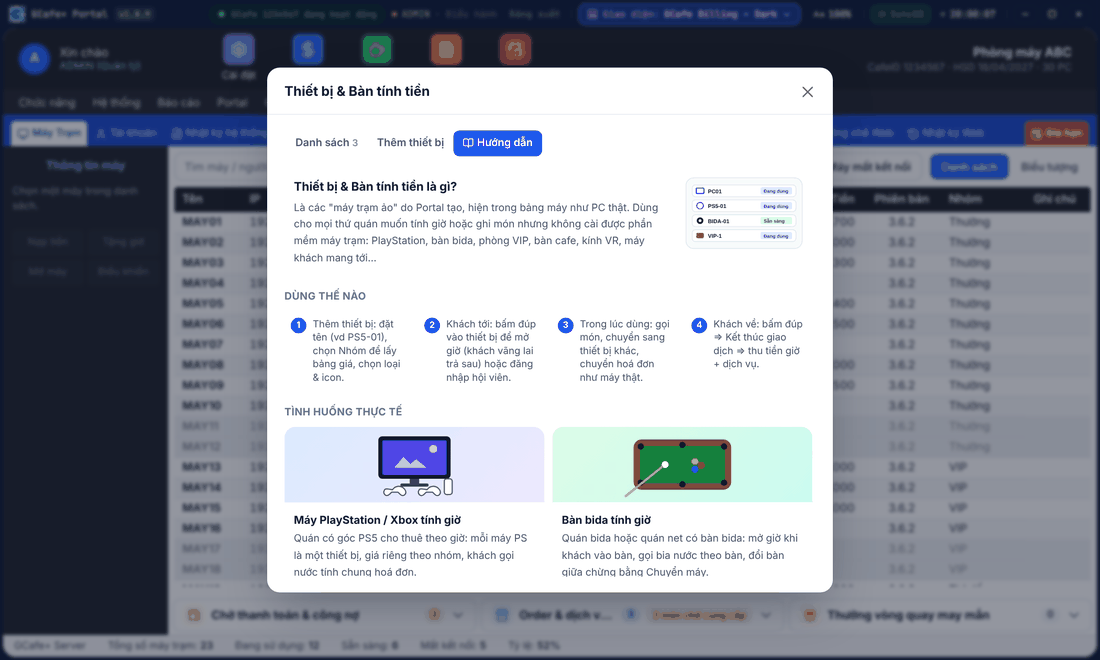
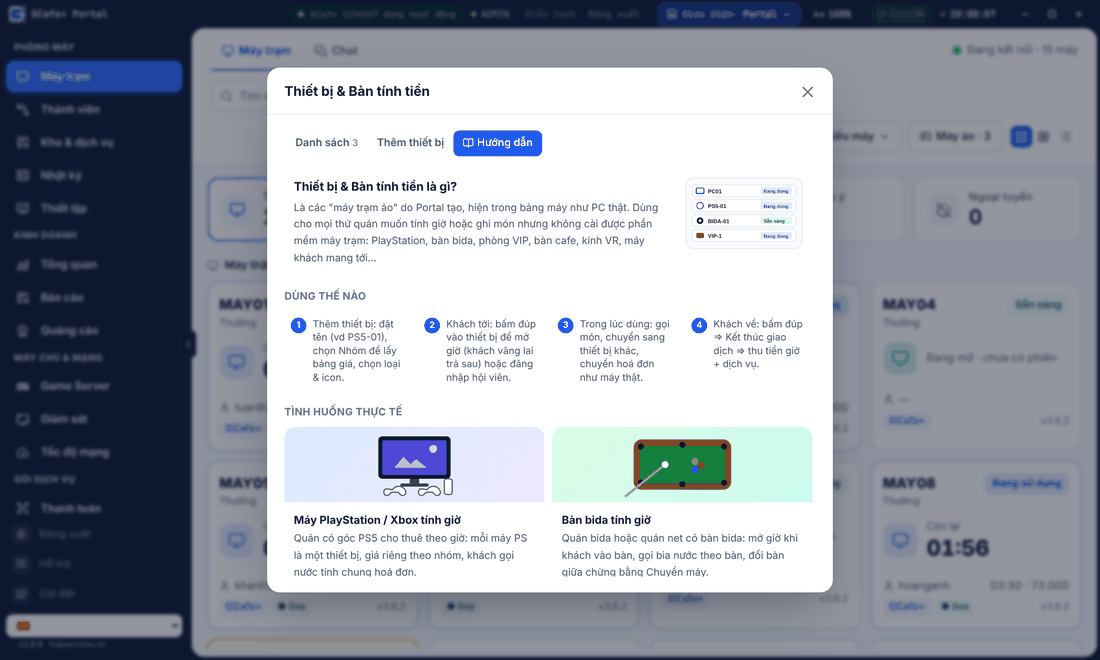
Thiết bị & Bàn tính tiền (Devices & billing tables, formerly virtual machines) bill time and orders for PlayStation, pool tables, VIP rooms, cafe tables like client PCs.
Use them for anything you bill by the hour or take orders for but cannot install client software on, including VR headsets and guests’ own laptops.
Classic layout
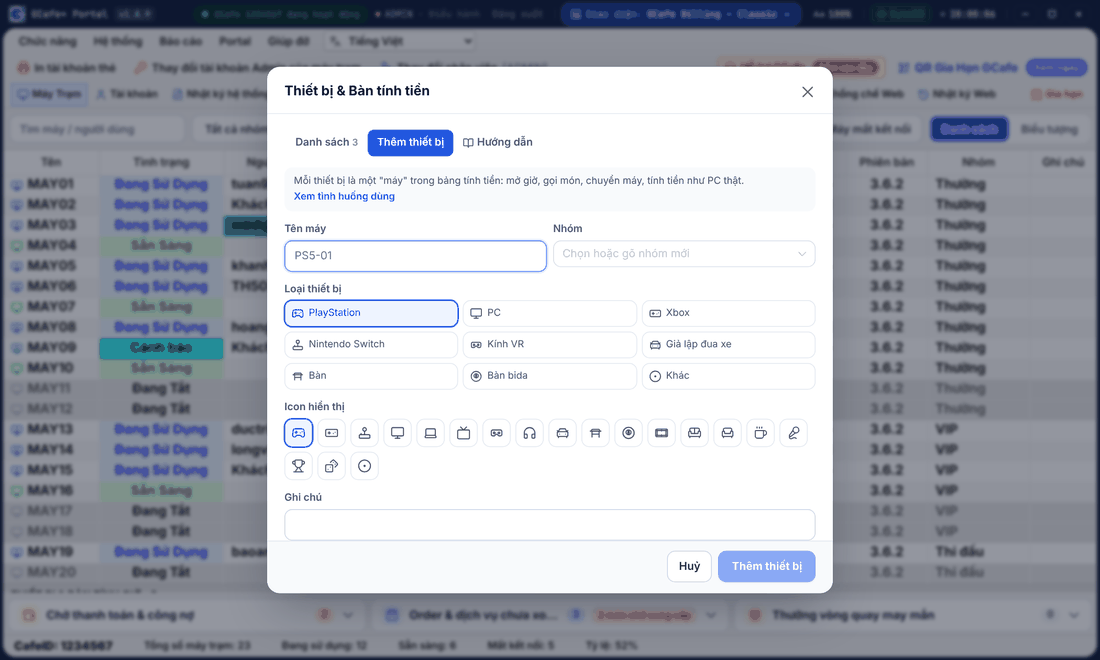
Dark layout
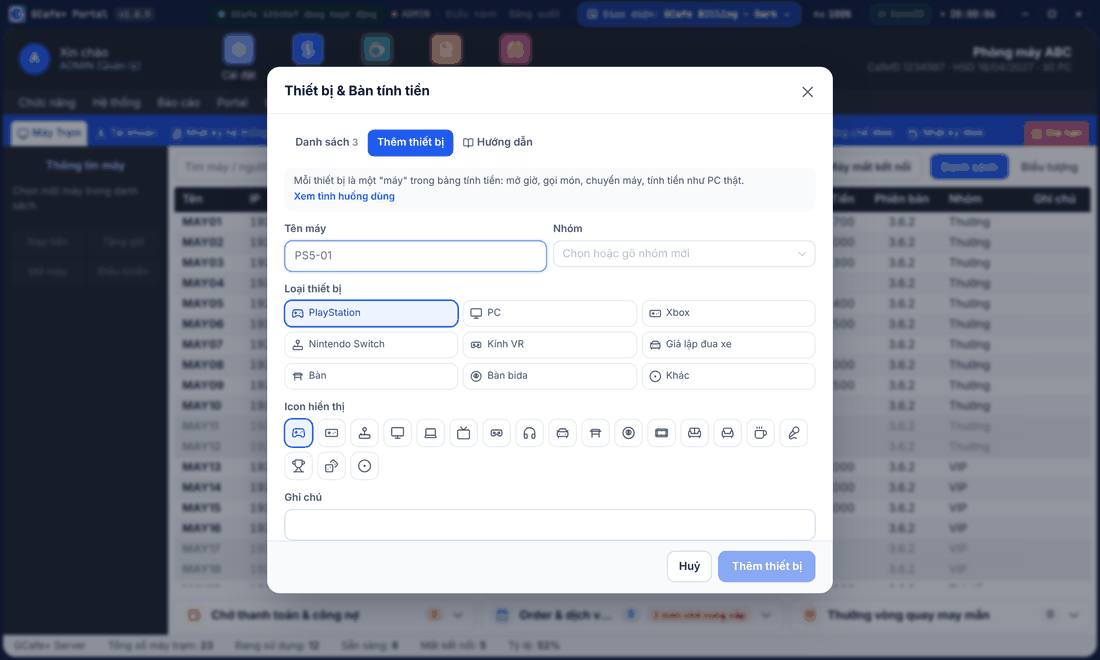
Portal layout
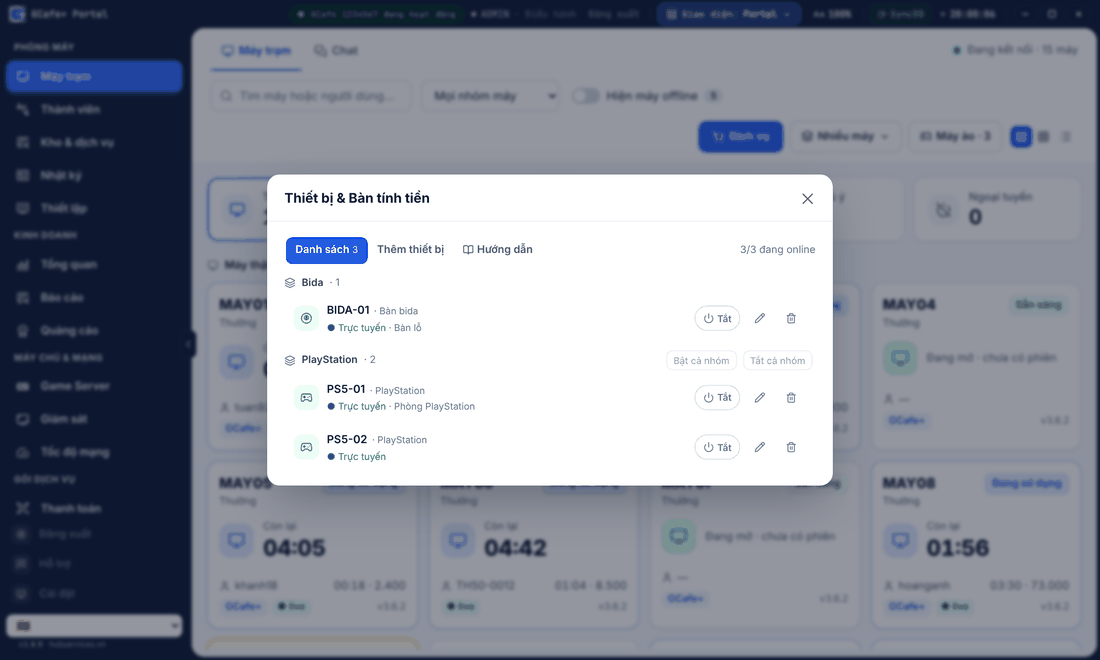
Add a device
- In the client table, click Thêm thiết bị (Add device) in the Classic / Dark layout, or Máy ảo in the Portal layout.
- Enter a name (for example
PS5-01), choose a Nhóm (group) for the price table, then a type and icon. - Click Thêm thiết bị.
Result: the device appears under Thiết bị & bàn tính giờ at the end of the client table.
Use a device
- Guest arrives: double-click the device to start the clock (pay-later guest) or sign in a member.
- While in use: order items, move to another device, move the bill — like a real PC.
- Guest leaves: double-click › Kết thúc giao dịch (End transaction) › collect time and services.
Devices work like real PCs; only hardware commands (shut down, restart, sleep…) are hidden. Sessions can be moved between real PCs and devices.
Real-life setups
Classic layout
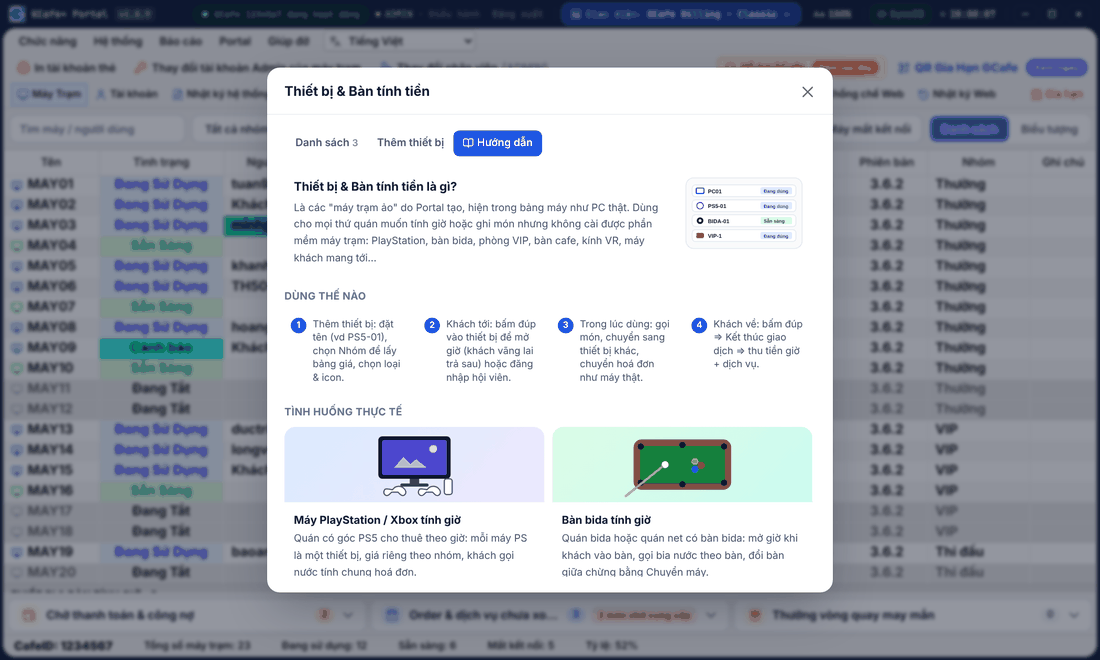
Dark layout
Portal layout
Case | How to set up |
|---|---|
PlayStation / Xbox by the hour | Names |
Pool tables by the hour | Names |
VIP / private / karaoke rooms | Name |
Cafe tables / waiting area | Names |
VR headsets / racing simulators | Names |
Guests’ own laptops, PCs without client software | Name |
⚠️ Note: Device names must differ from every PC in the shop. The hourly price comes from the device group: set a price for a new group in the price table first.
The Bật / Tắt (On / Off) switch in the list enables or pauses a device (for example a PS sent for repair); off hides it from the client table.