Staff, shift change and permissions
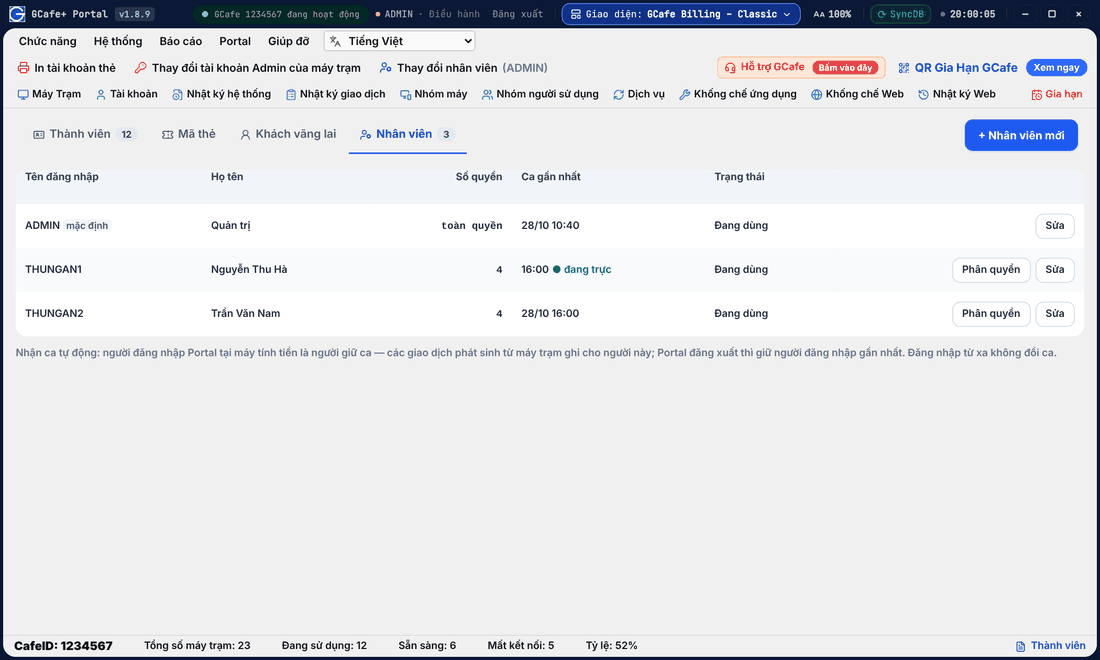
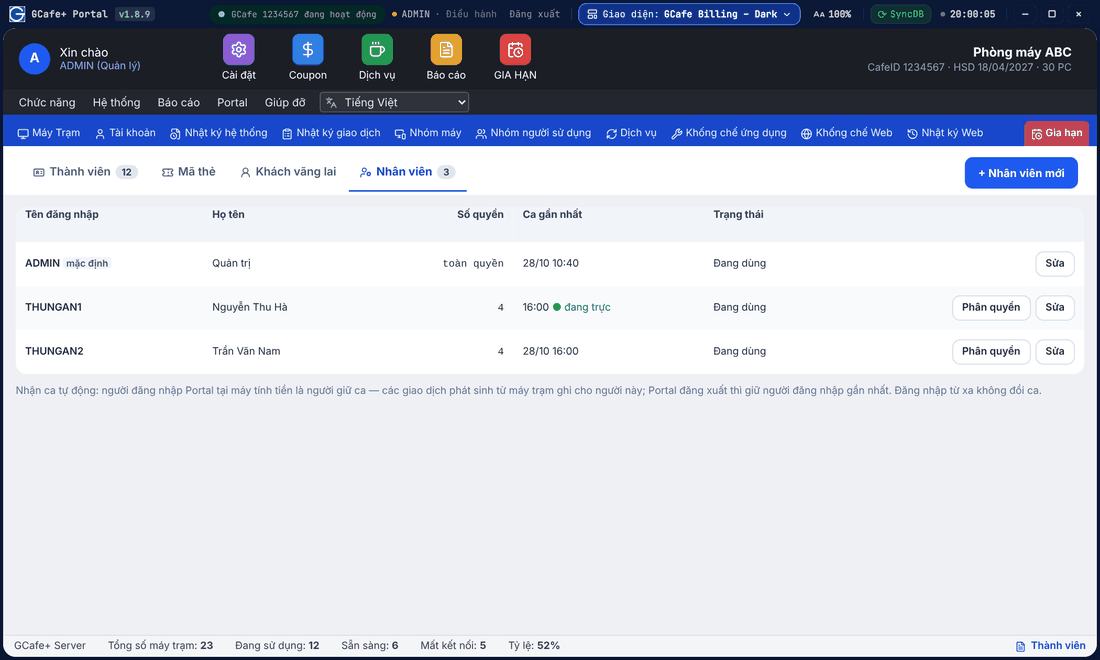
The Nhân viên (Staff) tab under Thành viên manages cashier accounts; hand over shifts and grant rights per person here.
Classic layout
Dark layout
Portal layout
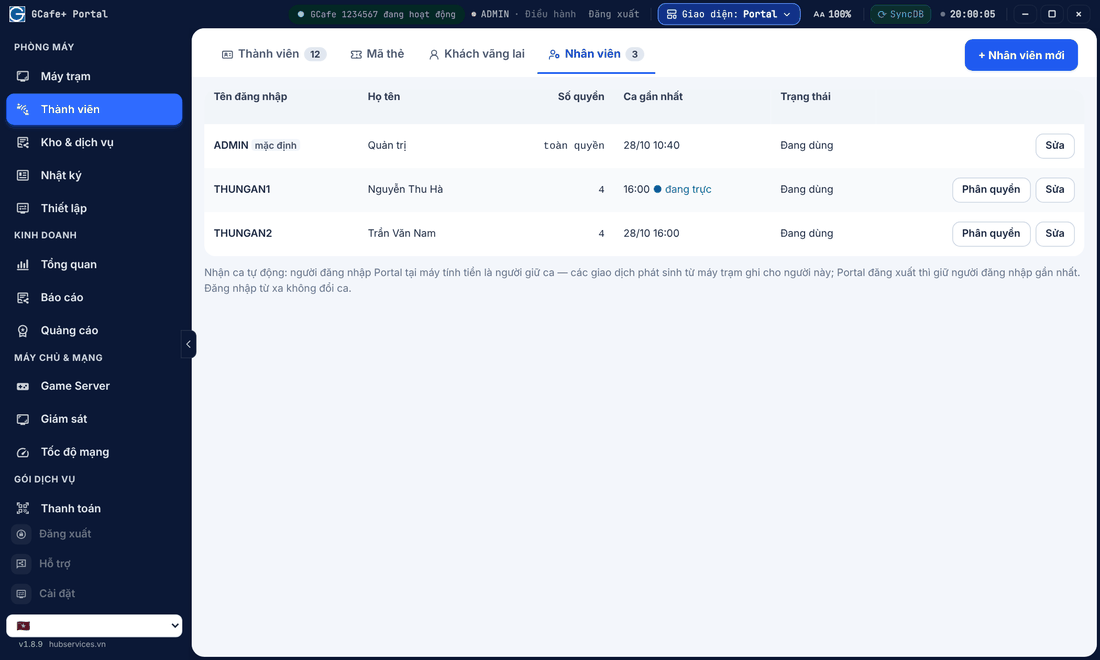
Add staff
- Click + Nhân viên mới, enter username, full name and password.
- Click Phân quyền (Permissions) to pick a preset or tick rights one by one.
Staff use this account to sign in to Portal and GCafe+ Server.
Shift change
Click Đổi ca (Change shift) at handover: the old shift is closed and the new one belongs to the signed-in user. The Ca này transaction log restarts from here.
Allow remote sign-in
In Thiết lập › Phân quyền, under staff permissions, tick Đăng nhập Portal từ xa (Remote Portal sign-in) for staff who may open Portal on a phone. Managers are always allowed.
Permissions for Portal-only features
Classic layout
Dark layout
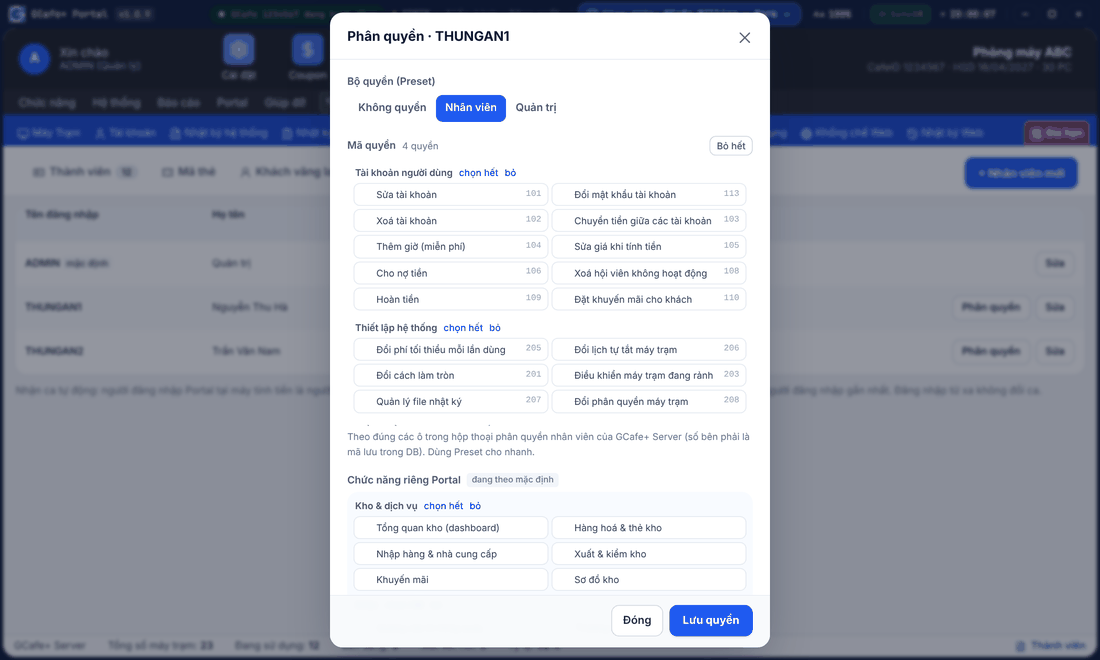
Portal layout
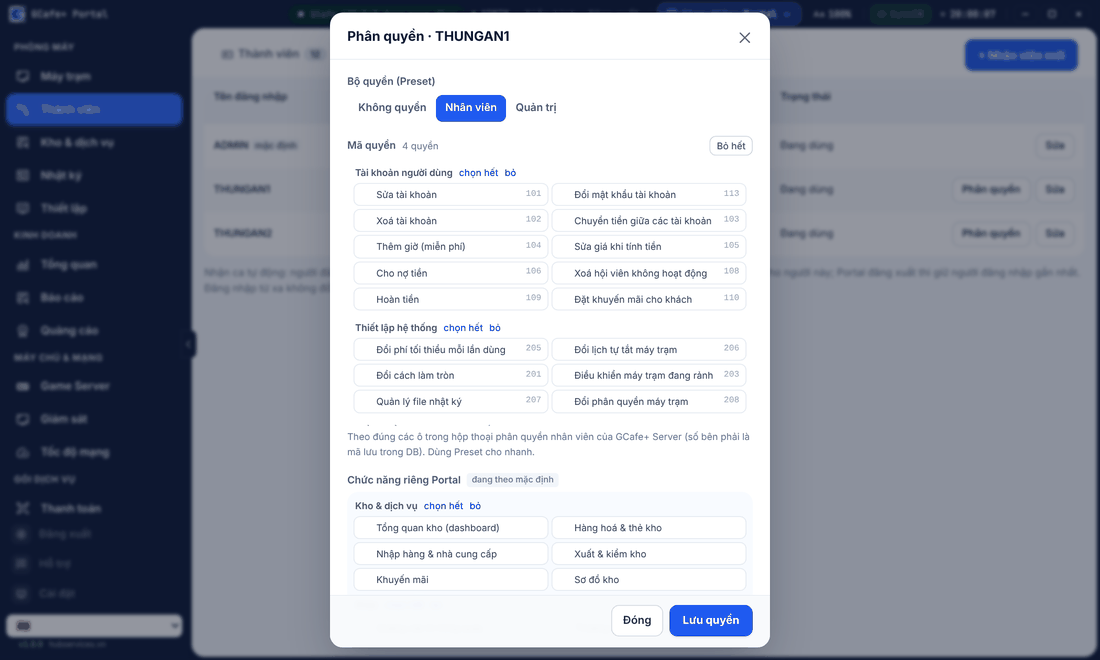
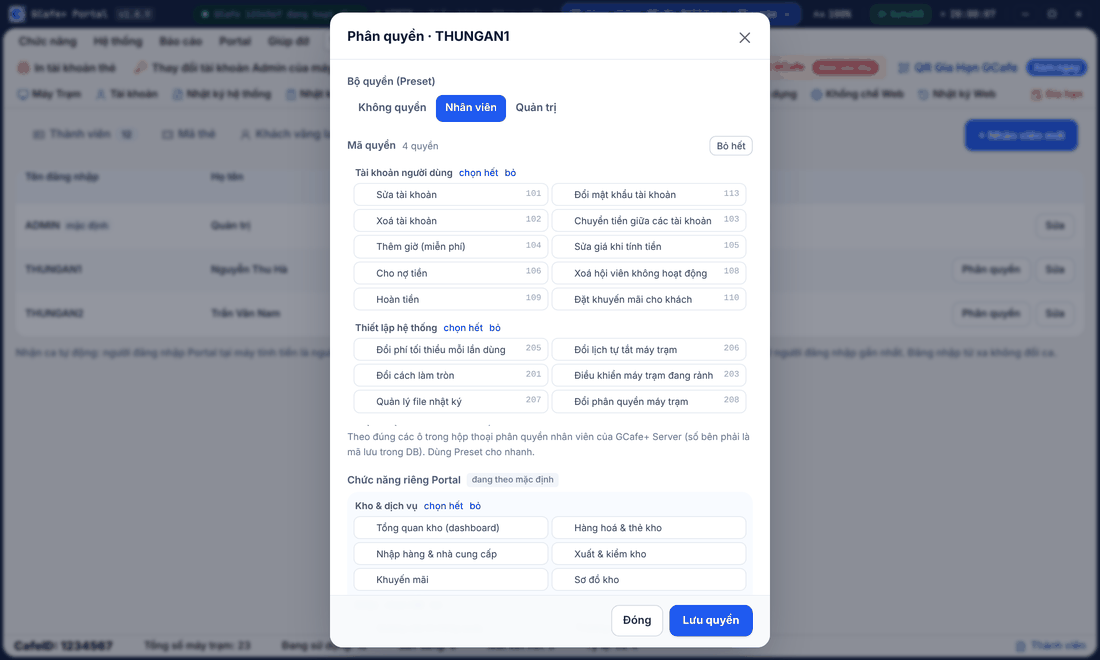
Staff Phân quyền (Permissions) now has a Chức năng riêng Portal (Portal-only features) group:
- Kho & dịch vụ (Stock & services): stock overview, items & stock cards, receiving & suppliers, issues & stocktake, promotions, stock map.
- Quảng cáo & Vòng quay (Ads & lucky wheel), Thương hiệu & nội dung GCafe+ Client (brand & client content), Nhật ký nhân viên & ai đang đăng nhập (staff log & who is signed in).
The đang theo mặc định (default) label means the permission was never set for that staff member, so Portal keeps the old behaviour. Stock tabs in Portal and on phones follow these permissions.