What’s new in the latest GCafe Portal
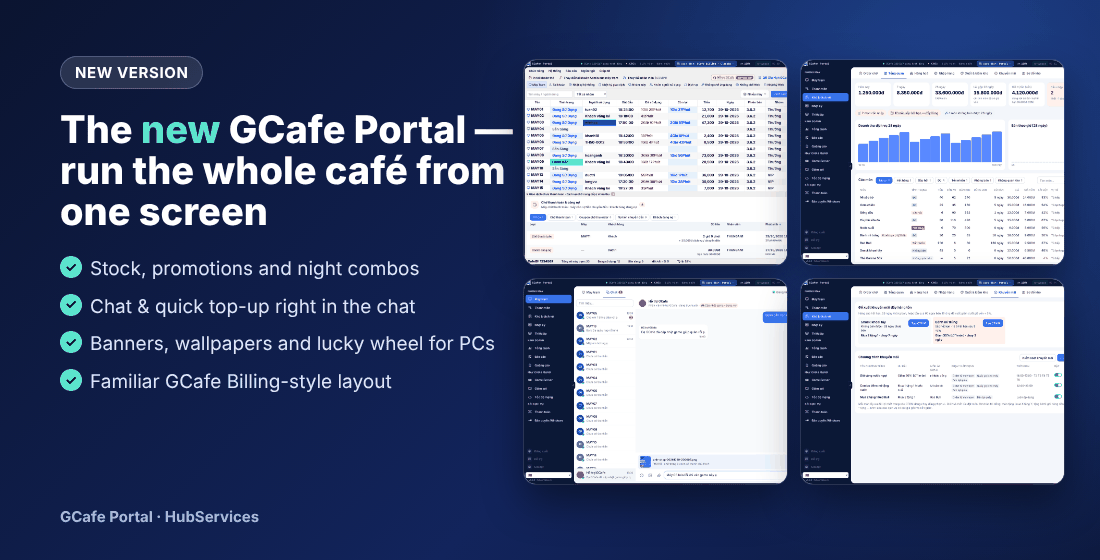
The new version turns GCafe Portal into one screen for the whole café: billing works just like GCafe Billing, plus stock, promotions, night combos, on-screen promotions for client PCs and quick top-ups in chat.
1. A familiar GCafe Billing layout
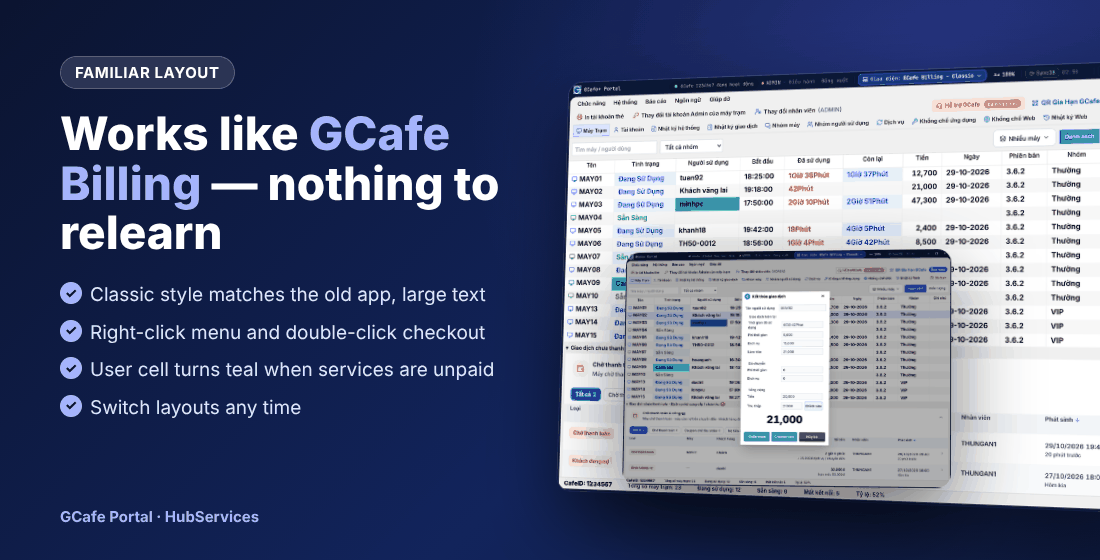
Pick GCafe Billing – Classic and you get the screen your staff already know: menus, tab strip, large-text PC table, right-click actions, double-click to check out. The Người sử dụng (User) cell turns teal when a guest has unpaid services; unpaid transactions and pending orders sit right below the PC list.
2. Stock management
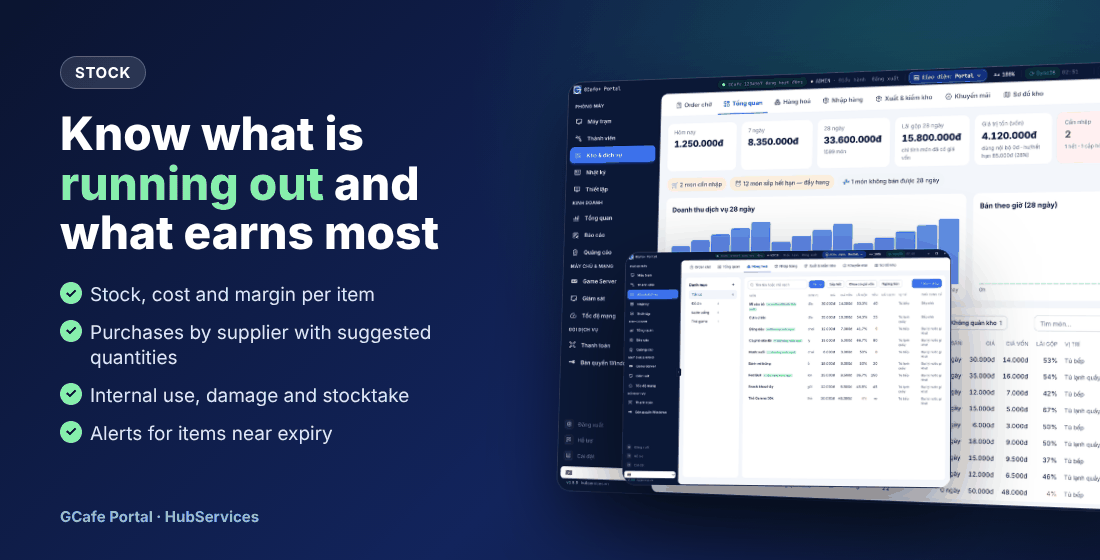
- See what is running out and what is not selling, the margin of every item and the value of your stock.
- Reorder suggestions based on real sales; scan barcodes to build goods receipts per supplier.
- Record internal use, damage and expiry, and run stocktakes to track shrinkage; a stock map helps you find items.
See Stock and services.
3. Promotions
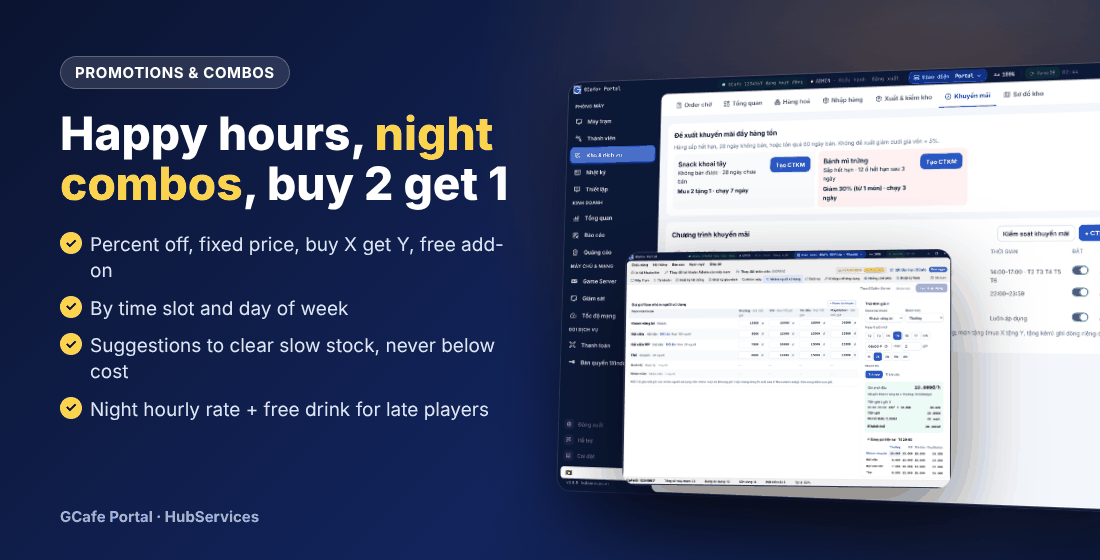
- Percent off, amount off, fixed price, buy X get Y, free gift item.
- Run by time slot and weekday — afternoon happy hours, late-night deals.
- Portal suggests promotions to clear slow stock and stops staff from discounting too far or below cost.
See Food and drink promotions.
4. Night combo: night rate plus a free drink
Combine a night time-band hourly rate with a free gift promotion in the same hours: late players get a better rate and a free drink or snack. You can also sell prepaid cards for night players.
See Set up a night combo.
5. Manage on-screen promotions yourself
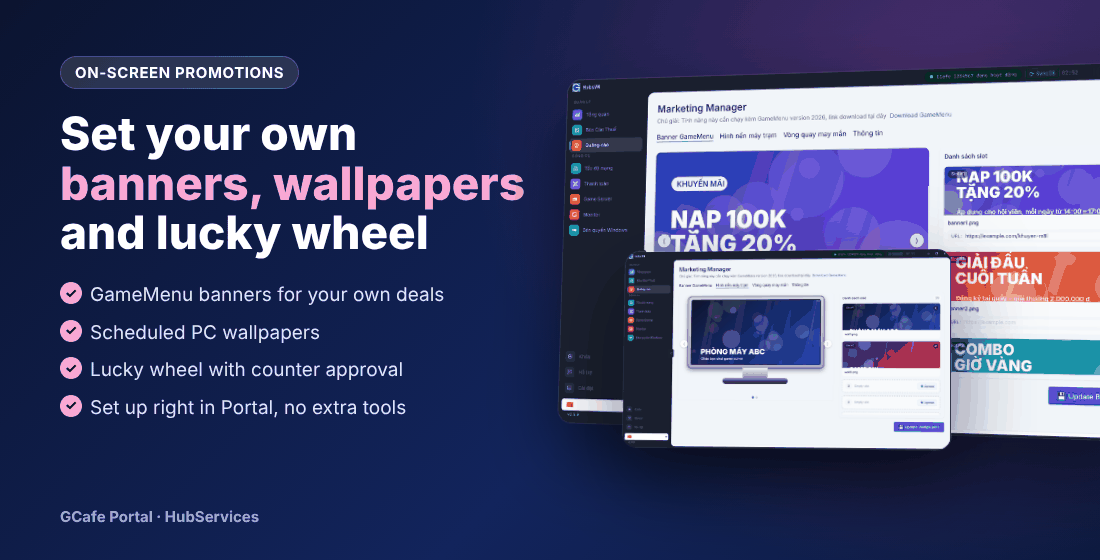
Set your own GameMenu banners, scheduled client wallpapers and a lucky wheel with counter approval — right in Portal. See Banners and wallpapers and Lucky wheel.
6. Chat and quick top-up in chat
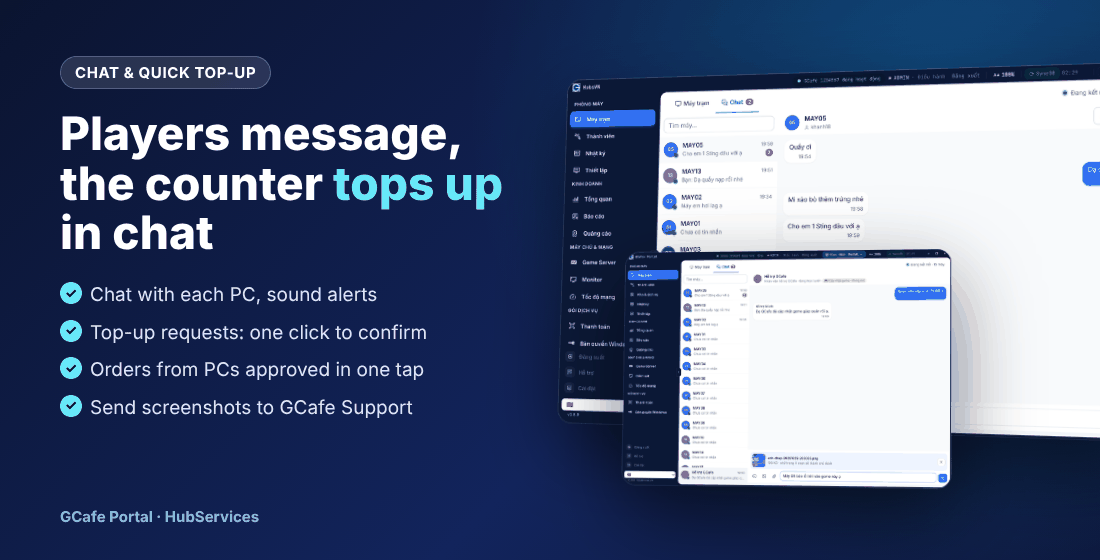
- A guest sends Xin nạp tiền (top-up request) — the counter clicks Nạp tiền right in the chat.
- Orders from client PCs land in the pending list; deliver with one click.
- Send images, files and pasted screenshots to Hỗ trợ GCafe (GCafe Support); take support calls and share your screen when needed.
See Chat with clients and Contact support.
7. Portal is the official GCafe Billing installer
Installing GCafe Portal gives you GCafe Billing billing software, keeps your existing data, and existing client PCs still connect. See GCafe Portal replaces the legacy GCafe Billing.
8. Devices & billing tables, counter sales
- Bill PlayStation, pool tables, VIP rooms and cafe tables like real PCs — see Devices & billing tables.
- Sell drinks and food to guests without a PC and take cash at once — see Sell items to guests not using a PC.
9. Many-PC control, screenshots, remote control
The Nhiều máy (Many PCs) button closes apps and powers PCs on / off in bulk; take screenshots and remote-control client PCs from the counter. See Control client PCs.
10. Lucky wheel, shop brand, phone roles
- The lucky wheel has a new layout, prize tickets and reports.
- Shop brand: logo, name and colours on GCafe+ Client.
- Phone roles: Admin, Cashier, Kitchen & stock; barcode scanning when receiving goods.
- Automatic standard-time sync for the server and client PCs.
How to upgrade
Portal updates itself to the new version. To use stock, promotions and billing fully in Portal, see Two ways to use GCafe Portal or chat with GCafe Support for help switching over.